📢 Admission Open !!!
📞 +919251975393
📧 info@mitscollege.co.in
Connect Platform

MBC

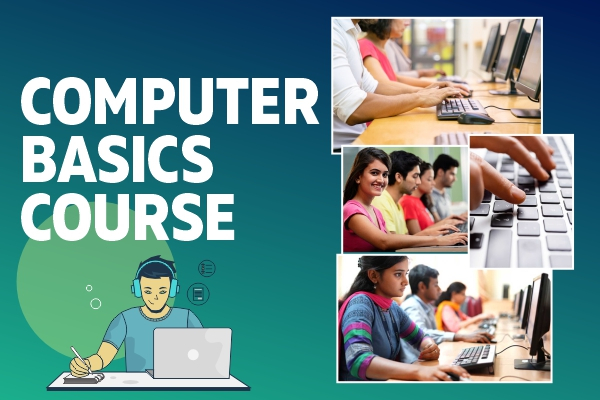
MITS Basic Computer Course

Course Image

About the Course

🖥️ Basic Computer Course Overview

🧠 Introduction to Computers

  • What is a computer?
  • Types of computers
  • Hardware vs software
  • Input/output devices

🪟 Getting Started with Windows 10

  • What is Windows 10?
  • Starting and shutting down a PC
  • Signing in and using the lock screen
  • Desktop overview: Start Menu, Taskbar, Notification area
  • Using multiple windows and the Snap feature

🗂️ File and Folder Management

  • Understanding File Explorer
  • Creating, renaming, and deleting files/folders
  • Using drives and storage (C: drive, USBs)
  • Cut, copy, paste operations
  • Recycle Bin usage and recovery

🎨 Personalizing Windows 10

  • Changing wallpaper, themes, and screen resolution
  • Adjusting system settings via Control Panel and Settings app
  • Managing user accounts

📦 Installing & Managing Applications

  • Downloading and installing apps
  • Pinning apps to Start and Taskbar
  • Uninstalling programs
  • Introduction to Microsoft Store

🌐 Internet and Browsing

  • Connecting to Wi-Fi networks
  • Using Microsoft Edge or Google Chrome
  • Searching with Bing/Google
  • Safe browsing practices

✉️ Email and Communication

  • Setting up an email account (Outlook, Gmail)
  • Sending and receiving emails
  • Attaching files
  • Introduction to video calls (Skype, Zoom)

🧰 Using Windows 10 Apps

  • Calculator, Notepad, Paint
  • Windows Photos
  • Calendar

Job Opportunities After Course

💼 Career Opportunities After This Course

✅ Data Entry Operator

✅ Office Assistant / Clerk

✅ Front Desk Receptionist

Have a Question?

Your Journey Begins Here!

Unlock your potential and get placed at top companies with the right skills!
Success Story

Mohan Singh Rathore

Priya Agency, Udaipur, Bhalundi, Chittorgarh

Student Feedback

Vishal Vaiaragi

"i like thsi course very "