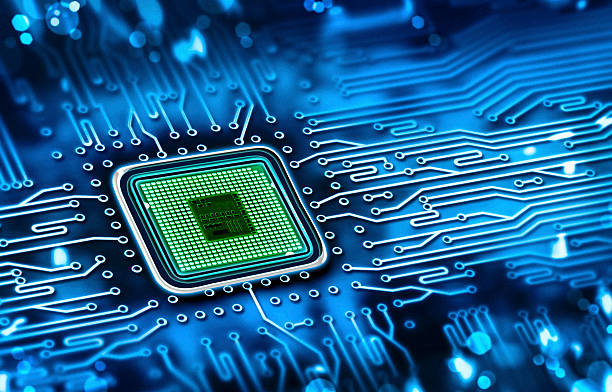
💻 What is a Motherboard?
Complete Beginner’s Guide 🌟
🖥️ Introduction
The motherboard is the heart and backbone of your computer! 🖥️
It connects all components — like CPU, RAM, storage, graphics card — and allows them to communicate.
🧩 What Exactly is a Motherboard?
Motherboard is a large printed circuit board (PCB) inside your PC 🖥️ that:
✅ Provides connections & ports
✅ Hosts CPU, memory, storage, expansion cards
✅ Links peripherals (keyboard, mouse, monitor)
✅ Controls power distribution 🔌
It acts as the central hub where all hardware “talks” to each other. Think of it as your computer’s nervous system! 🌐
⚙️ Key Components on a Motherboard
🔹 CPU Socket – Where you install the processor (brain of your PC 🧠)
🔹 RAM Slots (DIMM) – Memory slots for temporary data
🔹 Power Connectors – Supply power to motherboard & components
🔹 Chipset – Manages data between CPU, memory & peripherals
🔹 PCIe Slots – For graphics cards (GPU), sound cards, Wi-Fi cards
🔹 Storage Connectors – SATA or M.2 slots for SSDs/HDDs
🔹 I/O Ports – USB, HDMI, Ethernet, Audio, etc.
🔹 BIOS/UEFI Chip – Basic settings stored for booting system
🏷️ Types of Motherboards
📌 ATX (Advanced Technology eXtended)
➡️ Full-size, more slots & features — used in desktops
📌 Micro-ATX
➡️ Smaller than ATX — used in mid-range builds
📌 Mini-ITX
➡️ Compact — ideal for small form factor (SFF) PCs
🛠️ Why is the Motherboard Important?
✅ Compatibility – It decides which CPU, RAM, GPU you can install
✅ Connectivity – Offers USB, audio, Ethernet ports
✅ Expandability – Lets you add more RAM, storage, cards
✅ Stability – Provides efficient data flow between components
👉 Simply put: Without a motherboard, no computer will work! 🚀
🔍 How to Choose a Motherboard
1️⃣ Match CPU socket (Intel / AMD)
2️⃣ Select size (ATX / mATX / Mini-ITX)
3️⃣ Check RAM compatibility (DDR4 / DDR5)
4️⃣ Check expansion needs (PCIe, M.2)
5️⃣ Quality & features (VRM, cooling, BIOS)
6️⃣ Future upgrades support
🚀 Conclusion
A motherboard is the foundation of your PC 🖥️ — connecting and powering all the components to work as one system.
When building or upgrading a PC, choose your motherboard wisely — as it will determine your PC’s capabilities and lifespan.
👉 If you understand the motherboard, you understand how computers truly work! 💻✨